
Australia
Miner's Right Victoria: Cost, How to Get One and the Rules
A Victorian Miner's Right costs $29.40 for 10 years, rising to $41.40 on 1 January 2027. How to buy one, what it lets you do, and the rules attached.
Pin every hunt. Track your finds. Spot the patterns that make you a better detectorist.


Works without signal · Private by default · Free forever
From logging a hunt in under a minute to spotting patterns across every site you've visited.
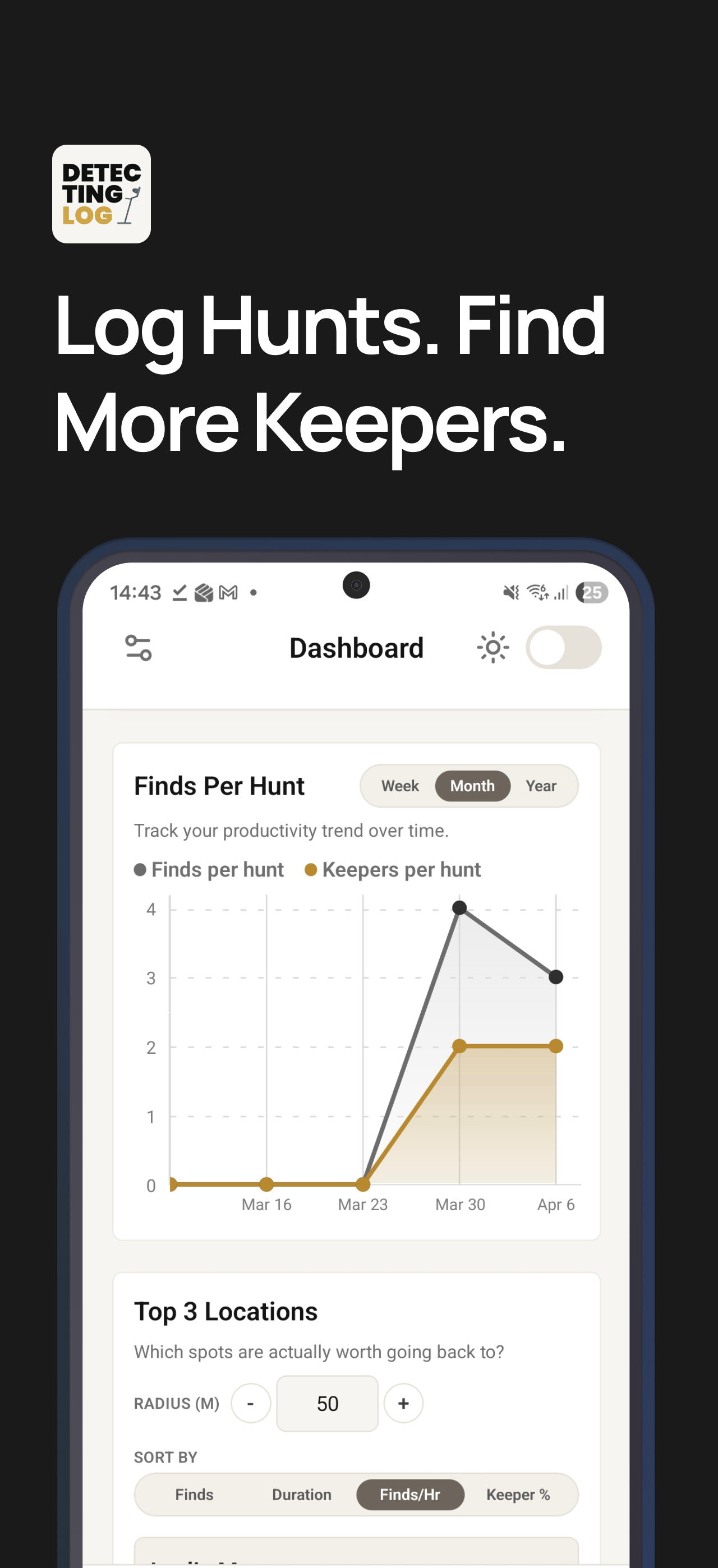
Every feature designed around how detectorists actually work — in the field, offline, and on the go.
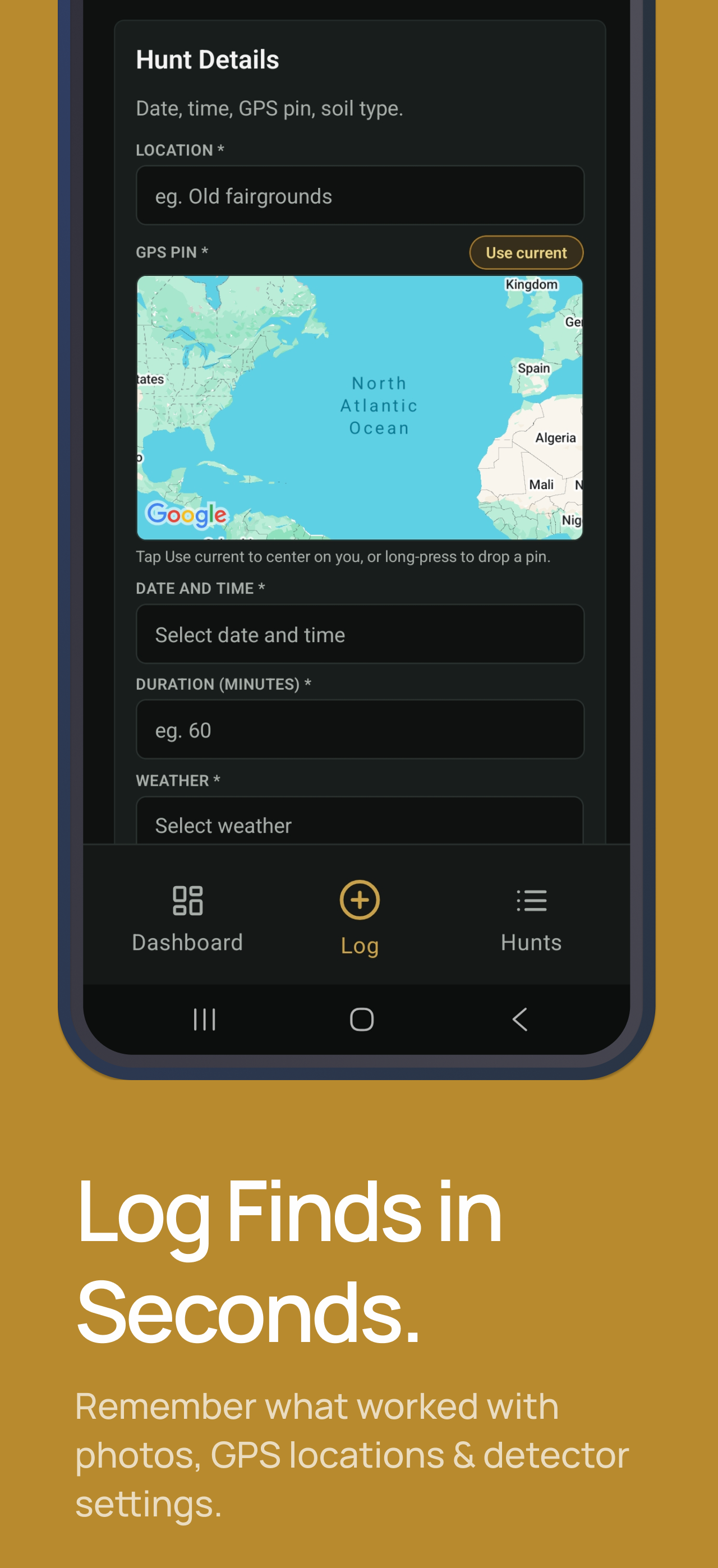
Log a hunt in under a minute while you're packing up. GPS, date, weather, and detector settings all in one place.
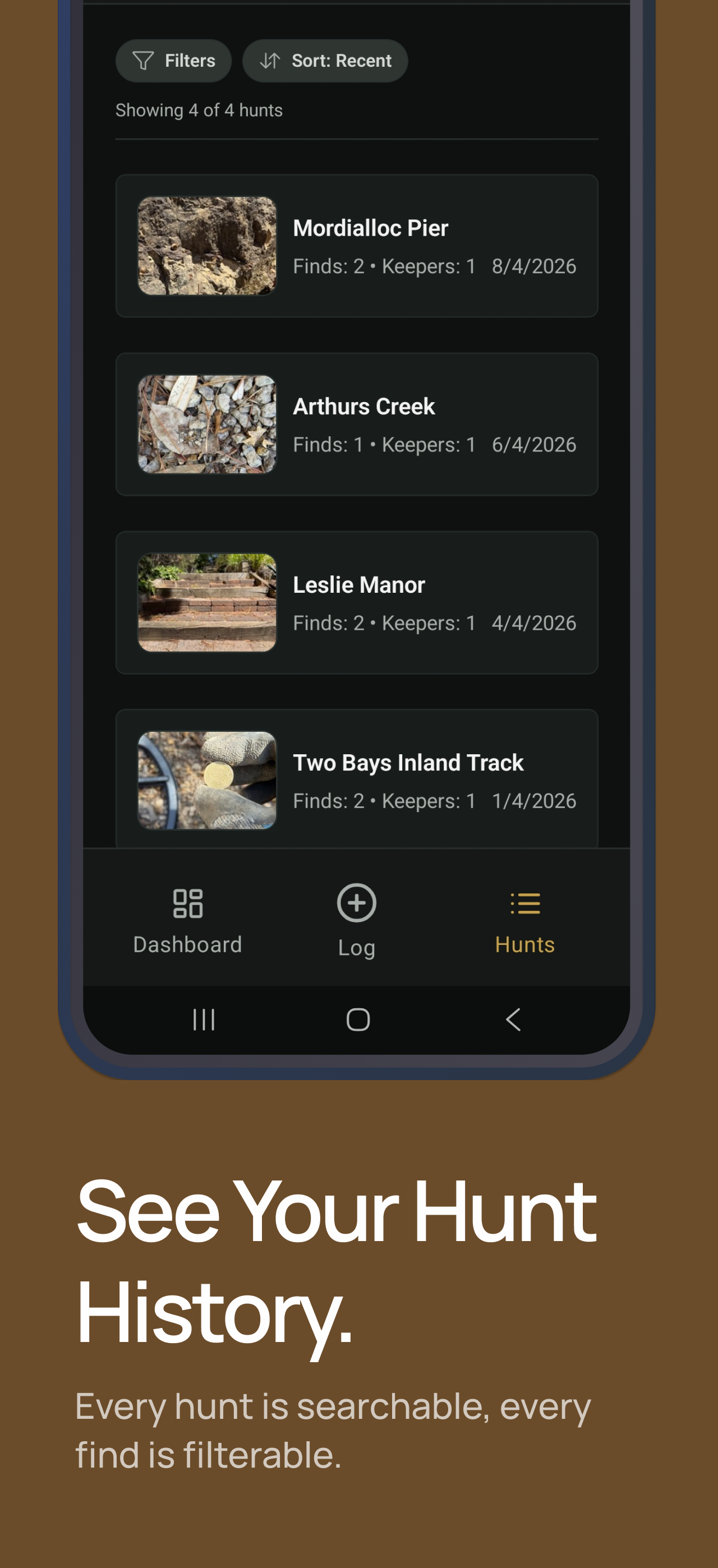
Every find logged with metal type, VDI reading, depth, and keeper status. Add photos to the hunt straight from the field.
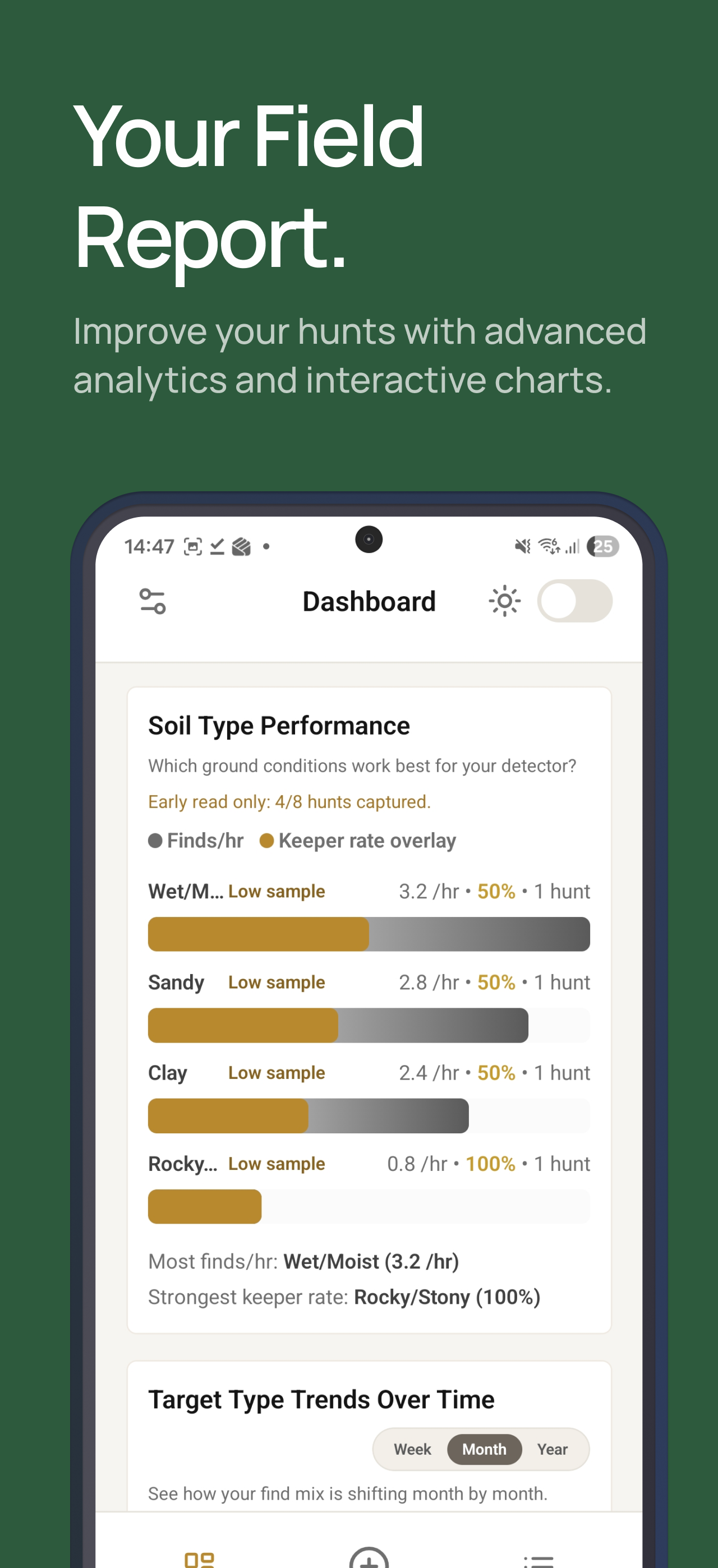
Your log becomes a strategy tool. Surface patterns your brain can't track across dozens of hunts.
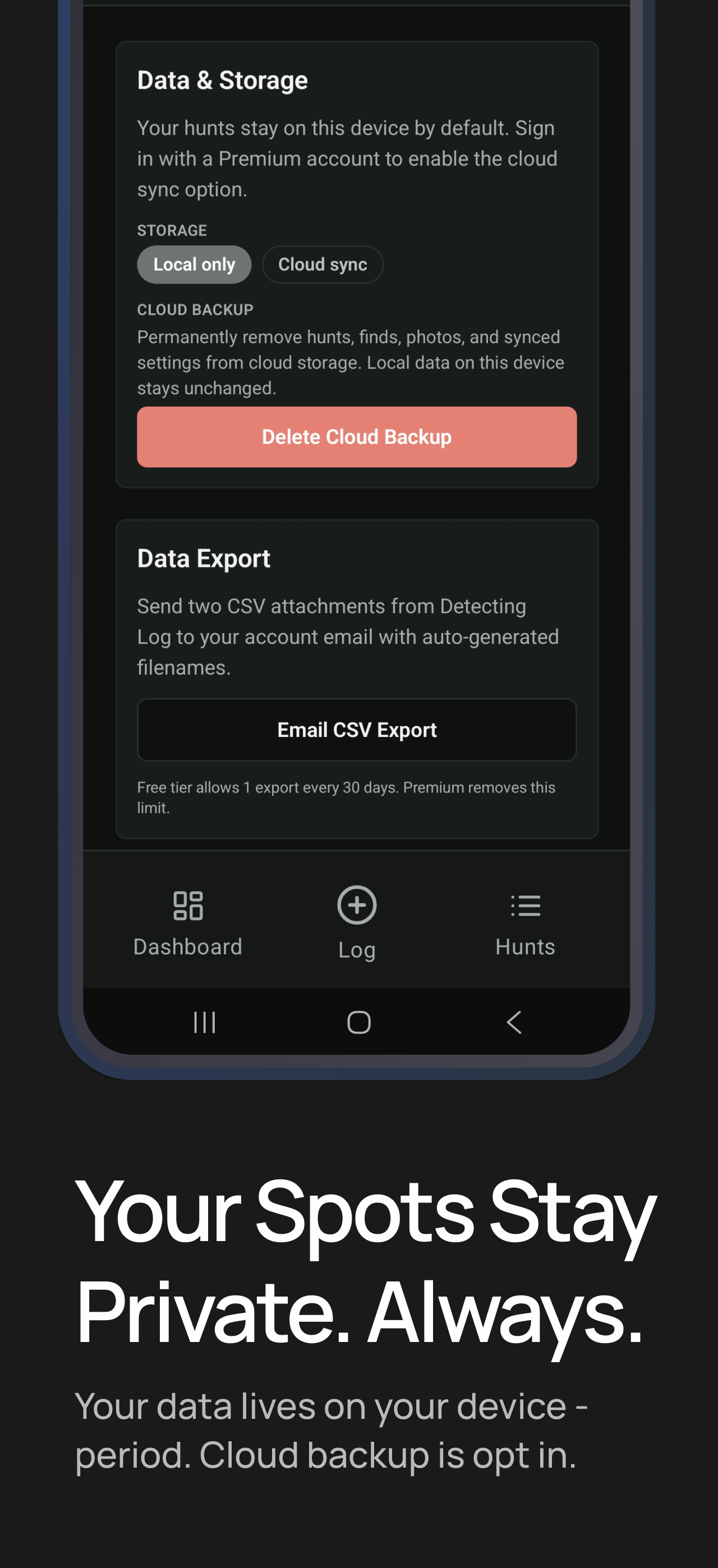
Your secret spots stay secret. Everything lives on-device by default — no upload unless you choose it. We don't sell your data, ever.
We don't sell your data. Your spots stay yours.
Practical guides on detecting smarter, logging better, and finding more keepers.
A Victorian Miner's Right costs $29.40 for 10 years, rising to $41.40 on 1 January 2027. How to buy one, what it lets you do, and the rules attached.

The NT has required a fossicking permit since June 2026. How the free permit, fossicking notices, pastoral land, Aboriginal land and gold limits work.

South Australia needs no fossicking permit, but every block needs someone's consent. How Crown land, parks, Jupiter Creek and Mount Crawford work.

In Tasmania a detector needs a prospecting licence, is banned from fossicking areas and cannot be carried onto reserved land. How the rules fit together.
Everything you need to know before you dig in.
Yes — offline-first is a core feature. All your hunts, finds, and settings are saved locally on your device. Cloud sync (optional) kicks in when you reconnect, so you can log a hunt in a paddock with zero signal and it will be there when you get back.
Premium gives you: advanced analytics (weather correlation, settings effectiveness matrix, soil type performance, target trend charts), cloud backup and sync across multiple devices, unlimited CSV exports, and no ads. Free users still get full logging capability, unlimited hunts, and core stats.
Your spots are yours. By default everything stays on your device — no data is uploaded unless you explicitly enable cloud sync. Even with sync enabled, your data is protected by row-level security policies: only your account can read your records. We do not sell or share your data with third parties.
DetectingLog is available on iOS via the App Store and on Android via Google Play. With cloud sync switched on — it needs Premium and an account — your data is tied to your login, so reinstalling or switching devices, or moving between platforms, never loses your history.
No. You can use DetectingLog as a guest with no account — all data stays local on your device, and local Premium benefits (advanced analytics, ad-free experience) work without one. An account is required for cloud sync, cross-device access, reinstall recovery, and CSV export to email.
Yes. Free users can export once per rolling 30 days; Premium users can export at any time. Exports include all hunt logs and finds as a CSV file, available from Settings → Storage & Export. CSV exports are sent to your account email, so an account is required for export.
Deleting the app removes all locally stored data from your device. If you also want to remove cloud data, go to Settings → Account → Delete Account — this permanently deletes all cloud-synced hunts, finds, photos, and your account. See the Account Deletion page for full details.
You can log any find with type, metal type, VDI reading, depth, and keeper status. The hunt it belongs to carries the GPS pin, your photos, and a detector settings snapshot, so every find sits in the context it was dug in. There's no fixed list — if you dug it up, you can log it.
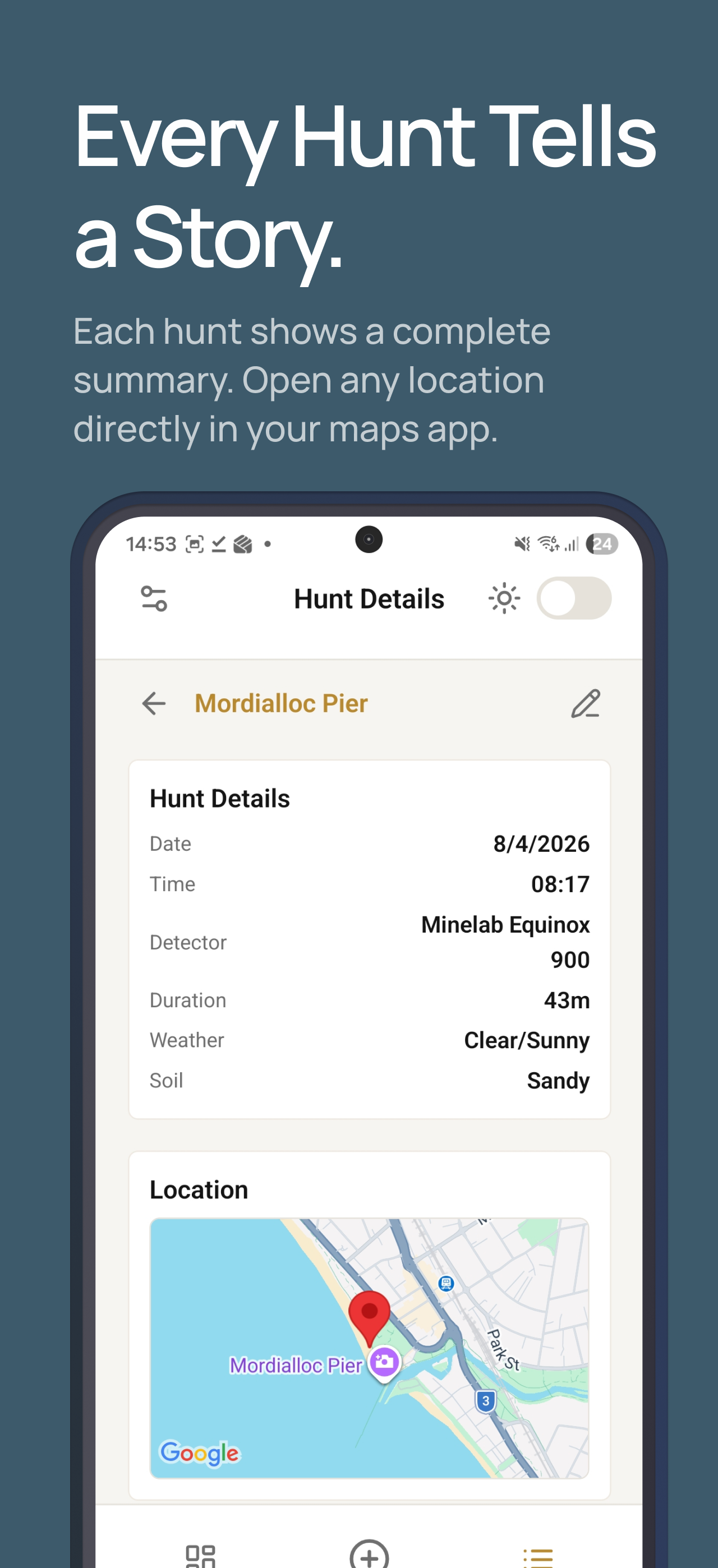
Each hunt captures a settings snapshot: sensitivity, discrimination, frequency mode, and detector model. Over time you'll be able to see which combinations pull keepers from specific sites or soil types — the analytics do the pattern-spotting for you.
Free to download. No account required. Your first hunt is one tap away.